Do you already have a PaysafeCard prepaid code?

Simply check your balance by entering the 16-digit code and get details in seconds!

Download the PaysafeCard app

Download the app for the best PaysafeCard experience. Full control of your online payments, even when travelling.
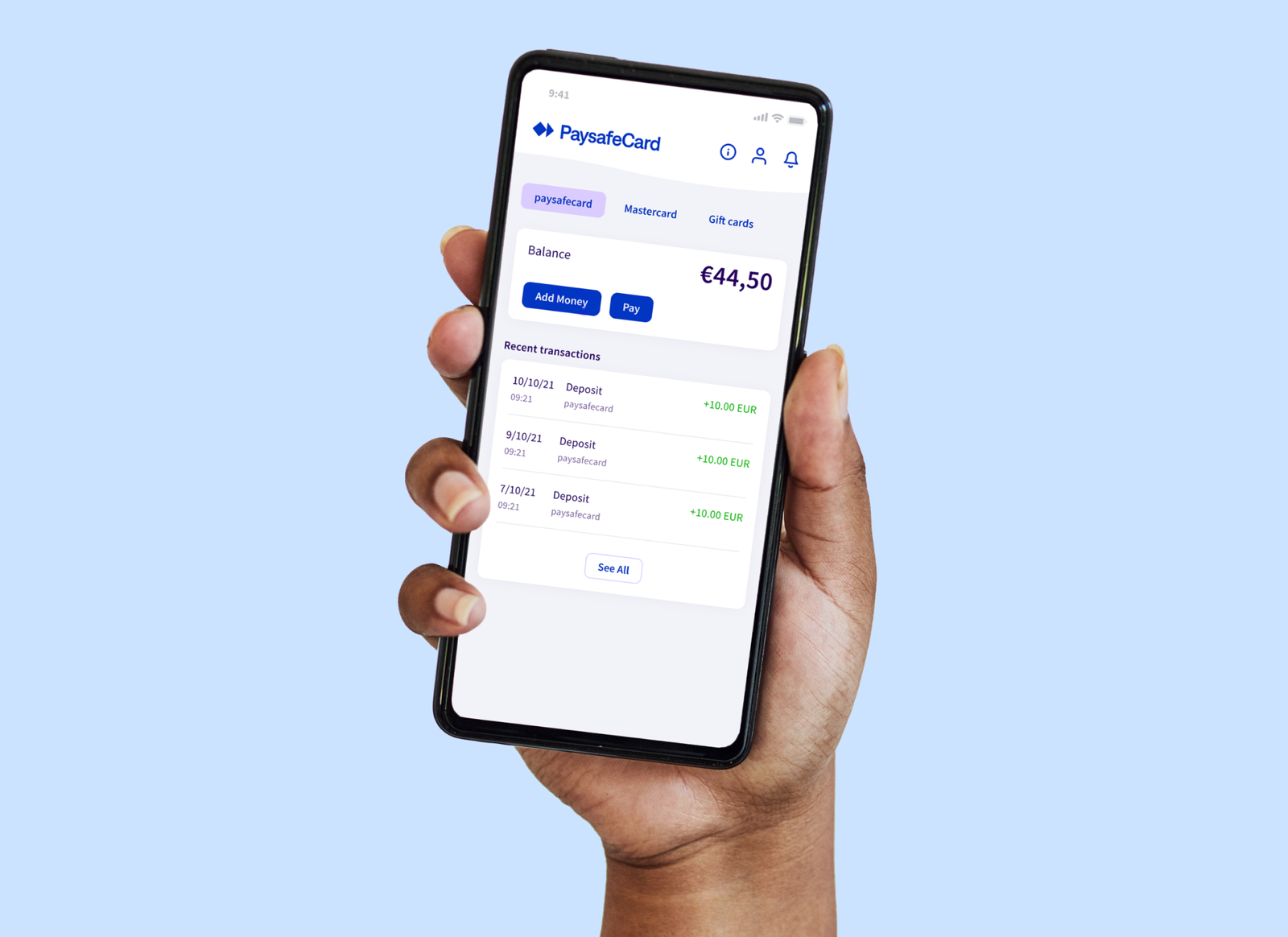
Google PlayApp Store

Smartphone

FAQ: paysafecard code verification

How to check a paysafecard code?
Go to your locale’s balance check page, enter your 16-digit code, and click Verify.
Why does my paysafecard code show “invalid”?
Check typos, confirm the code is unused, and ensure you are in the correct locale.
Can I check multiple paysafecard codes at once?
Verify codes one-by-one to avoid rate limits and mistakes.
Is paysafecard balance verification secure?
Yes. We use HTTPS and do not store codes beyond verification.
What if the balance differs from the card value?
Contact paysafecard support with your verification result and purchase receipt.

How to verify a paysafecard code

  1. Open /en-GB/balance-check/index.php
  2. Enter the 16-digit paysafecard code
  3. Confirm language and currency
  4. Click “Verify balance”
  5. Save or copy the result for support